
Private, self-hosted personal finance
Know where your money goes.
Keep it to yourself.
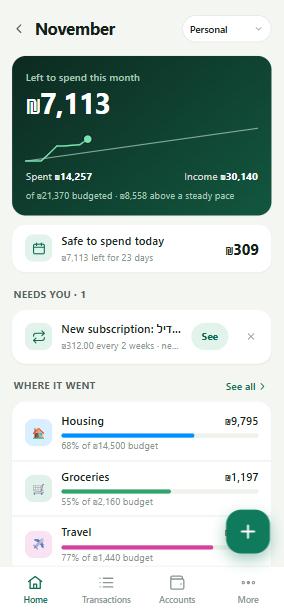
Kesefly brings your Israeli and US accounts and cards into one calm place, sorts every transaction for you, and checks in once a month. It runs on your own server, so your data stays with you.
Invite only. Request access and the owner approves you.
- Your data stays on your own server
- Bank-grade encryption
- Two-step login
Everything in one place
Every account. Already sorted.
Checking, credit cards, savings, pensions and loans, side by side. New transactions arrive sorted into clear categories, so you see where the money went without lifting a finger.
- Uses your bank's own categories when it has them
- Learns your merchants as you correct them
- Optional AI for the rare ones it hasn't seen
The monthly check-in
Five minutes a month keeps it right.
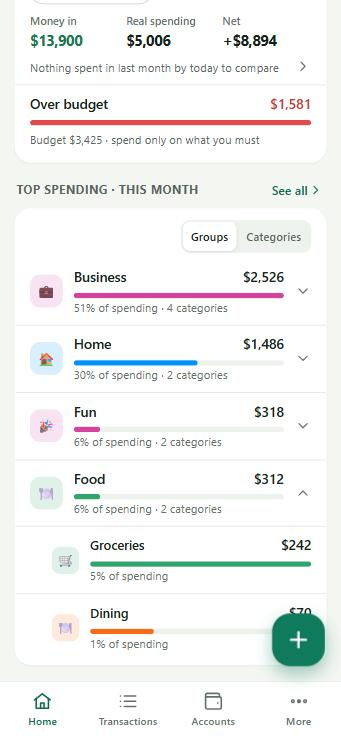
Once a month, Kesefly walks you through last month's transactions one card at a time. Swipe right if it's correct, tap to change it, skip what you don't care about. Done before your coffee cools.
- Spots transfers between your own accounts, so they don't count as spending
- Pairs refunds with the original purchase
- Flags likely duplicates instead of double counting
Insights, budgets, subscriptions
Spend with a clear head.
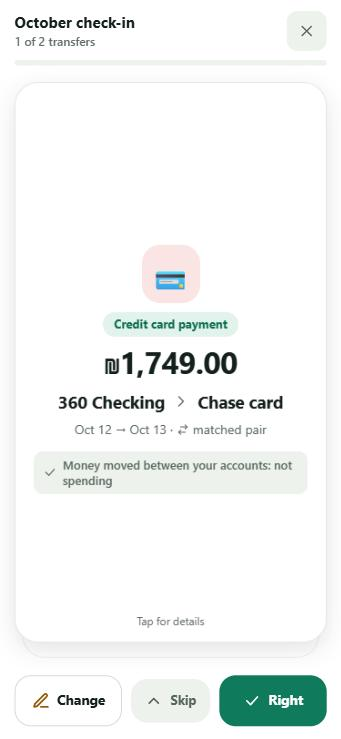
Set a budget per category and Kesefly turns it into one simple number: how much is safe to spend today. Charts show where this month differs from your usual, and recurring charges surface on their own.
- "Safe to spend today", recalculated every day
- Subscriptions and bills detected automatically, with price changes flagged
- Month-by-month trends, income versus spending, top merchants
Built for Israel + US
Shekels and dollars. עברית and English.
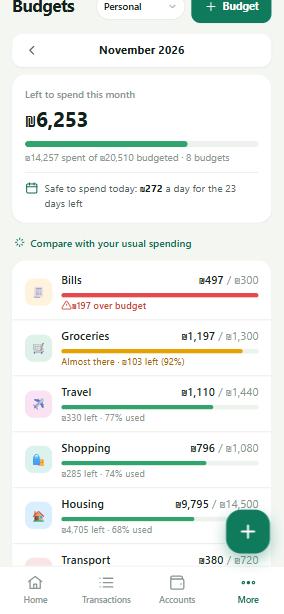
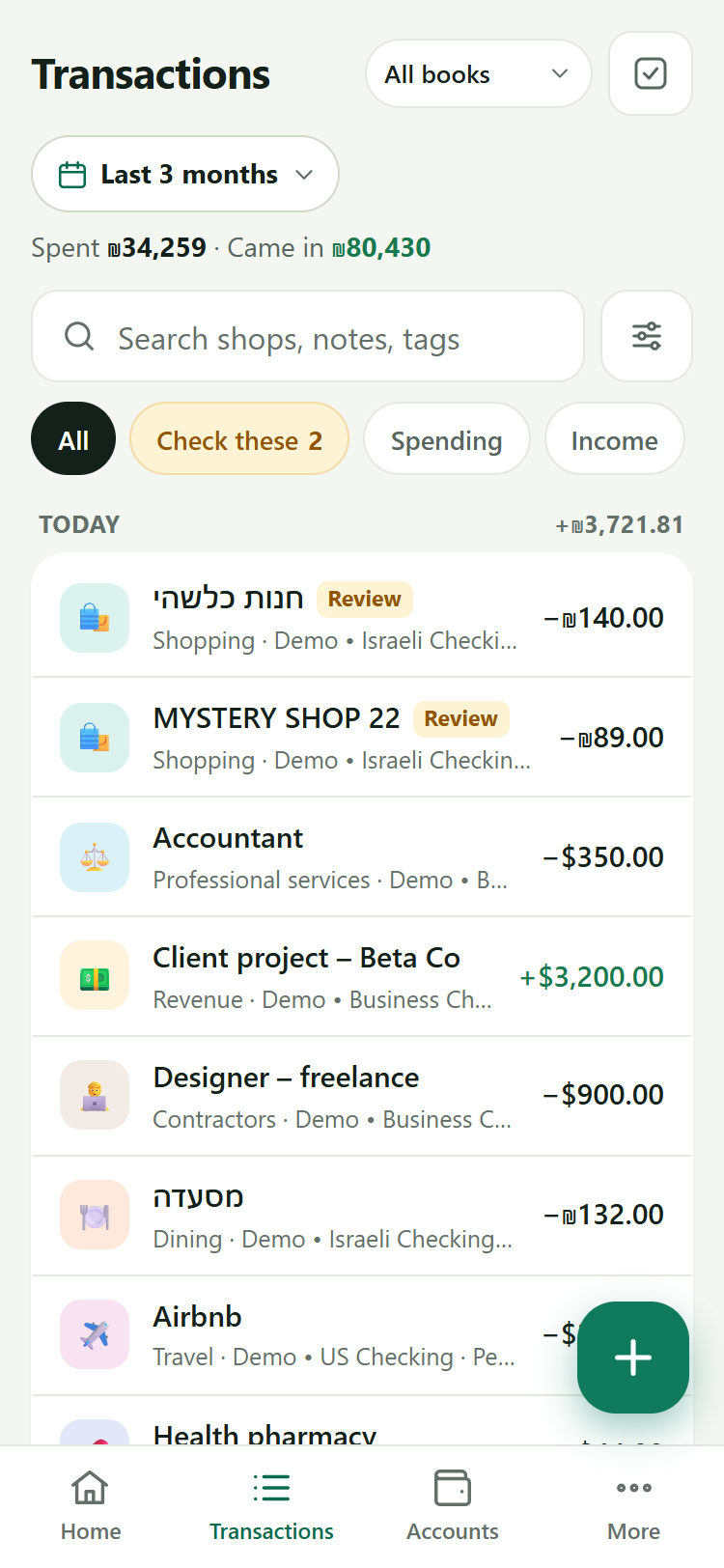
Most money apps pick one country. Families who live between Israel and the US need both, in the same list.
Two currencies, one picture
Every account keeps its own currency. Totals stay clear in ILS and USD.
Israeli banks and cards
Leumi, Max, Isracard, Cal and other Israeli banks and card companies, plus US banks through Plaid.
Hebrew merchant names
Names like שופרסל and רמי לוי display right to left and are recognized like any other shop.
Households
Share the money. Keep what's yours.
Invite your spouse or partner into one household and manage the family's money together. Anyone can mark an account they added as private: then only they see it, and everything in it.
- Roles for everyone: owner, editor, or view only
- Private accounts stay out of shared totals and lists
- Each household is fully separate from every other
Security and privacy
Your finances are nobody else's business.
No ads, no data brokers, no shared cloud. In plain language:
It runs on your own server
Your transactions live in a database on the machine that runs Kesefly, not in a company's cloud.
Bank logins are encrypted
Saved bank credentials are encrypted before they are stored, and never shown again.
Two-step login
A code from your authenticator app, on top of your password.
Nobody walks in uninvited
New people join by invitation, or request access and wait for the owner to approve.
Private means private
Accounts marked private are hidden from everyone else in your household.
AI is your choice
AI categorizing is optional. Without it, Kesefly sorts using bank categories and what it has learned from you.
FAQ
Questions, answered.
Is it free?
There is nothing to buy and no ads. Kesefly is a private app, and access is by invitation.
Who can see my data?
You, and the people you invite into your household, according to the role you give them. Accounts you mark private are visible only to you. Your data is stored on the server Kesefly runs on, not in a shared cloud, so the person who runs that server is responsible for keeping it safe.
Which banks does it work with?
In Israel: Leumi, Max, Isracard, Cal and other supported banks and credit card companies. In the US: banks and cards available through Plaid. You can also add accounts and transactions by hand.
How do I get access?
Go to app.kesefly.com and request access. The owner reviews requests and approves people they know. Once approved, you set a password and turn on two-step login.